MyVSU Portal
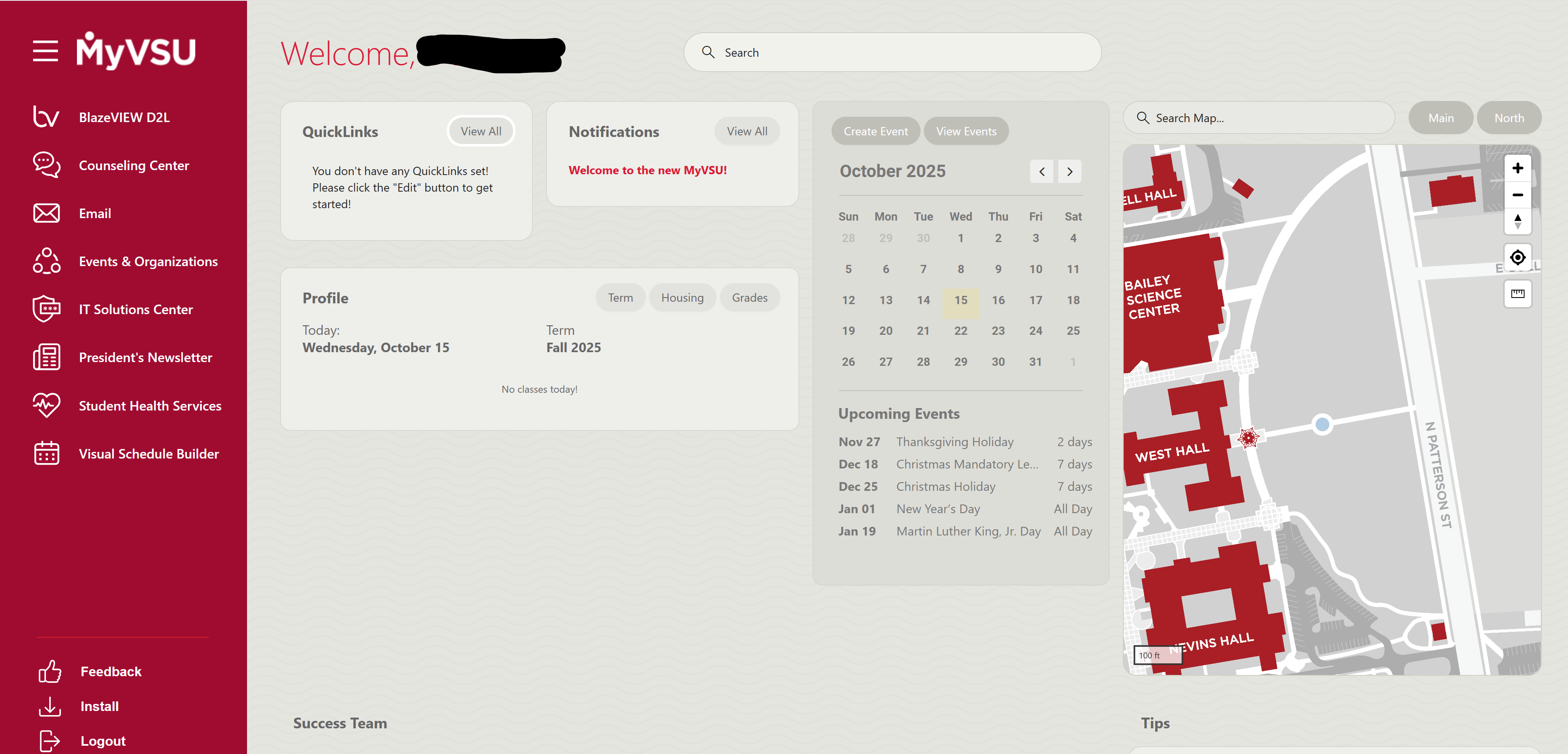
Welcome to your one-stop online portal!
|
Multifactor authentication required. |
The MyVSU Portal allows you to access most of your VSU online apps and resources like Email, BlazeVIEW, Banner, Student Online Account and much more. Its customizable interface only loads content relevant to you! It is intuitive and interactive, and you even have the option to install MyVSU as an app on your desktop or mobile device.
Explore the latest MyVSU features:
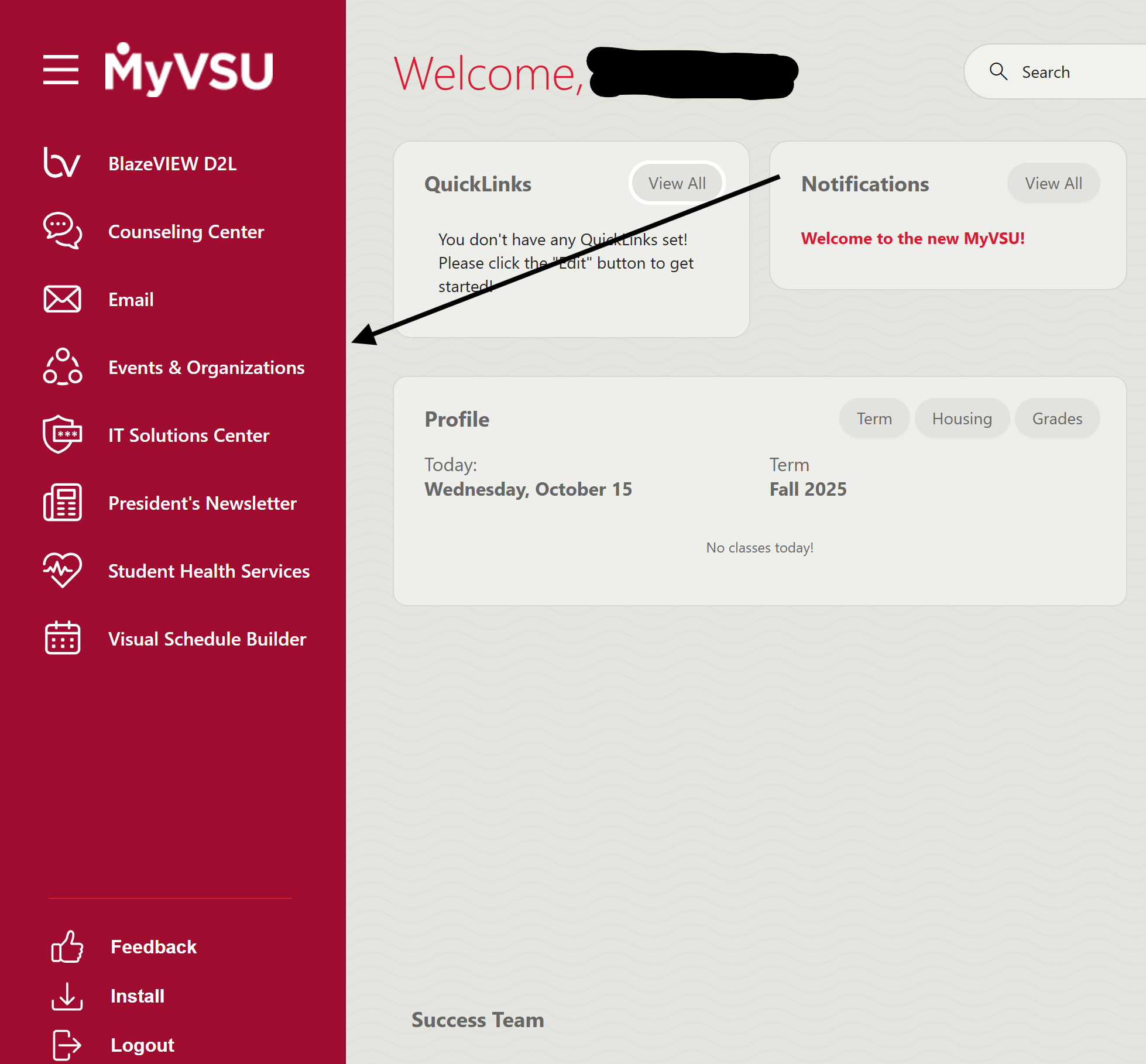
Side Bar
- Useful Links- Quick access to common tools and resources
- Feedback- Share your ideas to help keep MyVSU current
- Install- Add MyVSU to your desktop or your mobile device
- Logout- Sign out when finished to keep your info secure
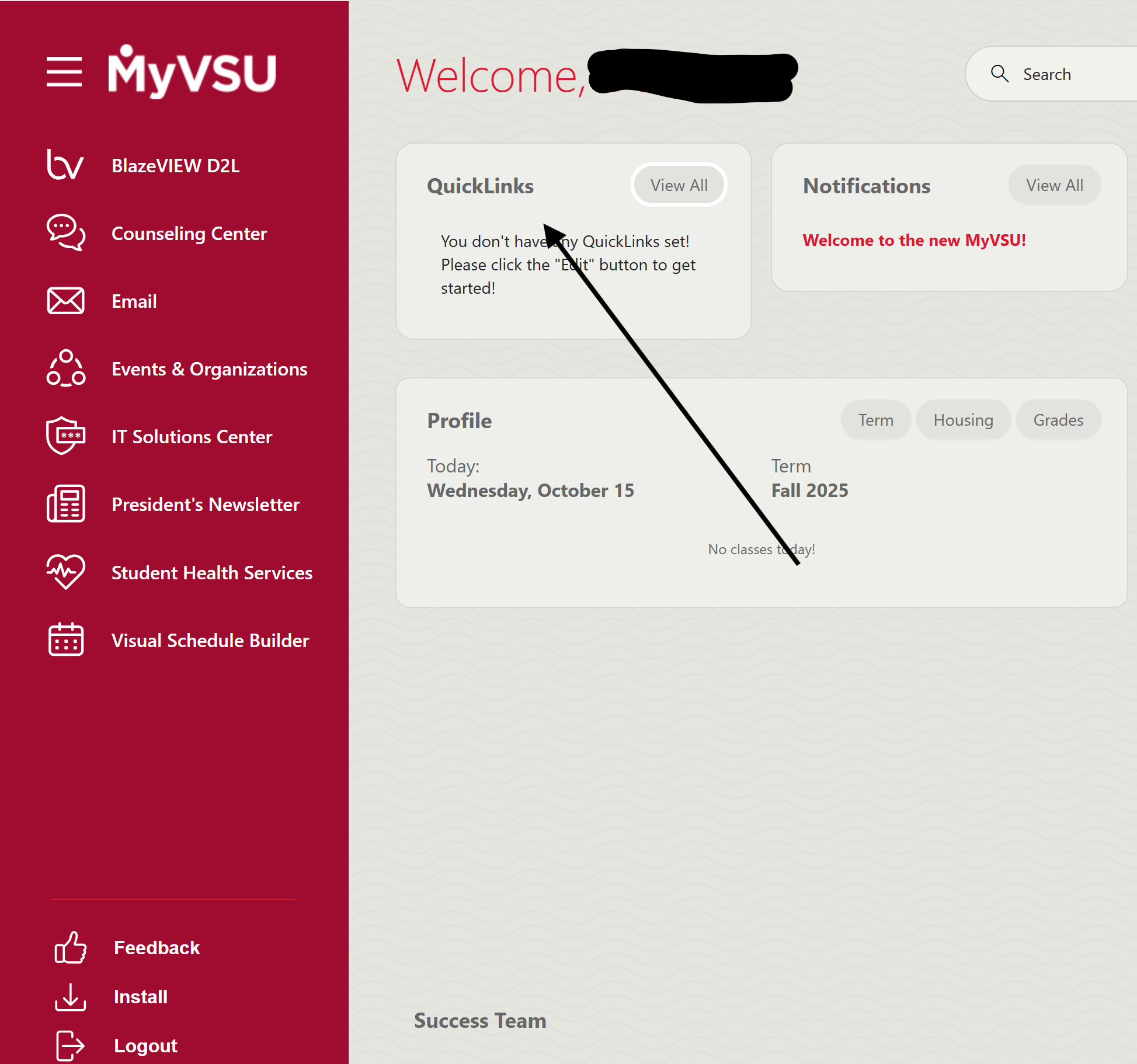
QuickLinks
One-click access to resources that you frequently use- View All Links-
- Search bar- Use keywords to find what you need
- Categories- Click checkboxes to filter
- Modify QuickLinks: Click topic checkboxes to add or remove items to your QuickLinks
- Topic Link- Click a topic title to go there; may open in a separate tab
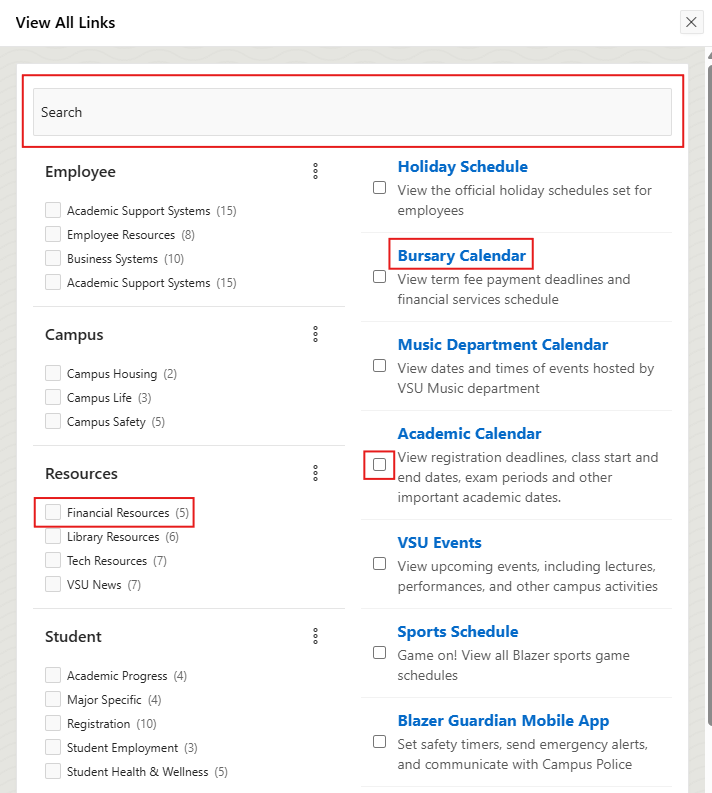
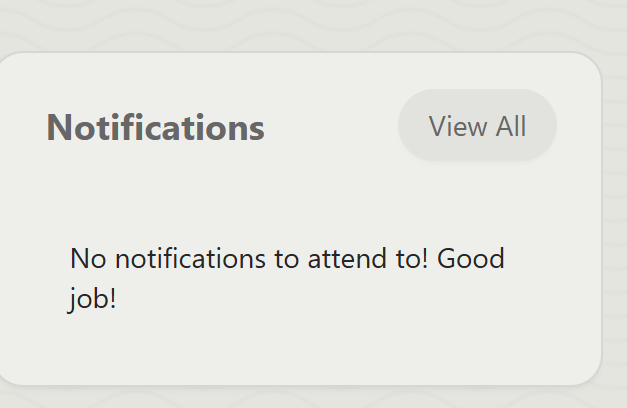
Notifications
- Central hub for important pop-ups and alerts like deadlines or account status
- Prioritize information that is relevant to you
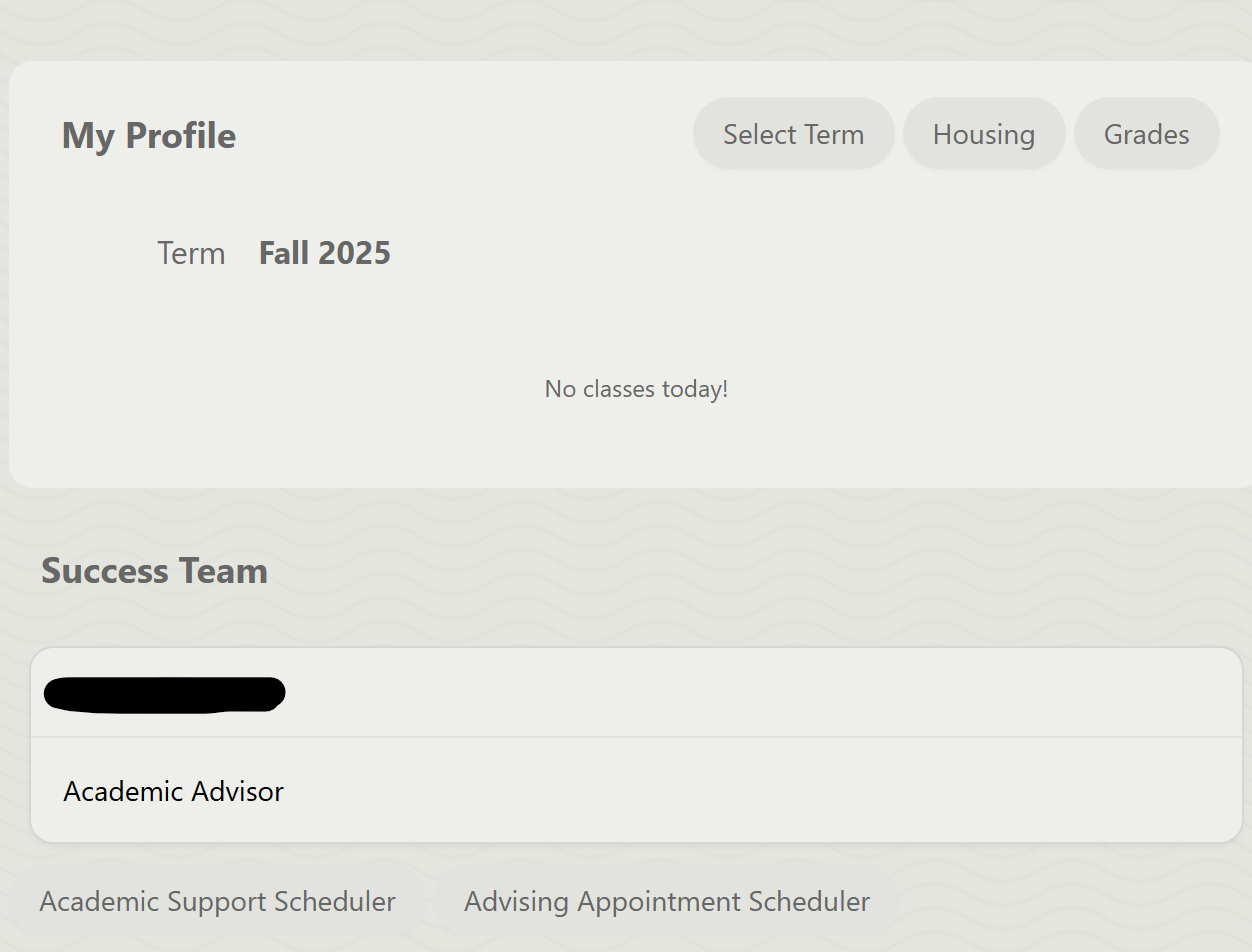
My Profile
- A snapshot of your day based on your role and selected term
- View today's schedule with times and locations
- Students: View grades, withdrawals, and past information
- Residential Students: View your housing/dorm details
Success Team
- Your personal support network, all in one place
- View a list of your advisors and click their name to reveal their contact information
- Schedule appointments with your advisors and the Academic Support Center
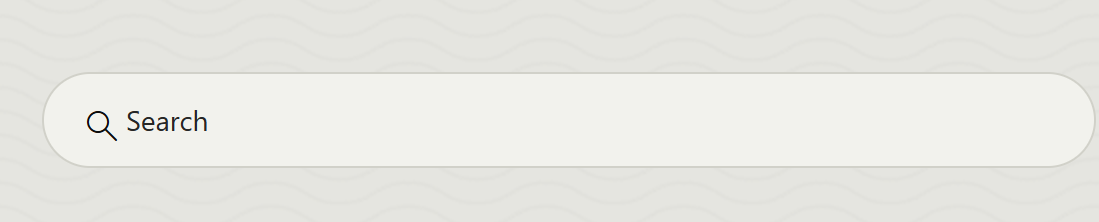
Search
- Search VSU's website within the MyVSU portal
- Results open in a new tab for easy tasking
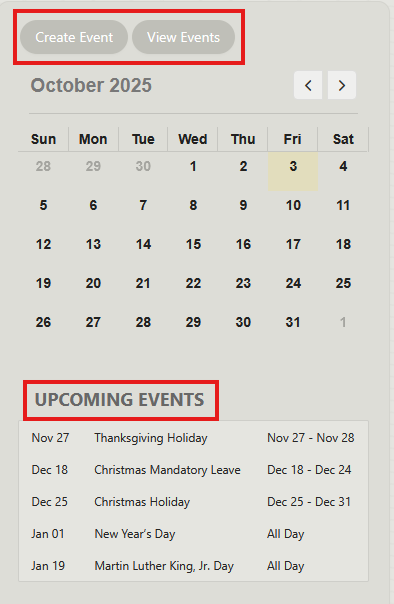
Calendar
- Upcoming Events- View academic dates, deadlines, holidays, and campus events
- Create Event- Create your own reminders, like due dates or study sessions
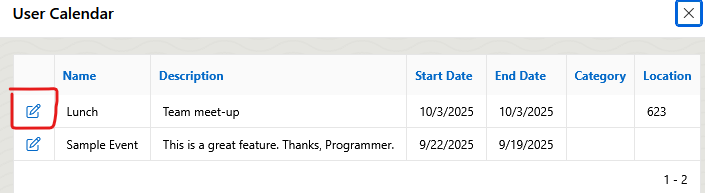
- View Events-
- View a list of your created events
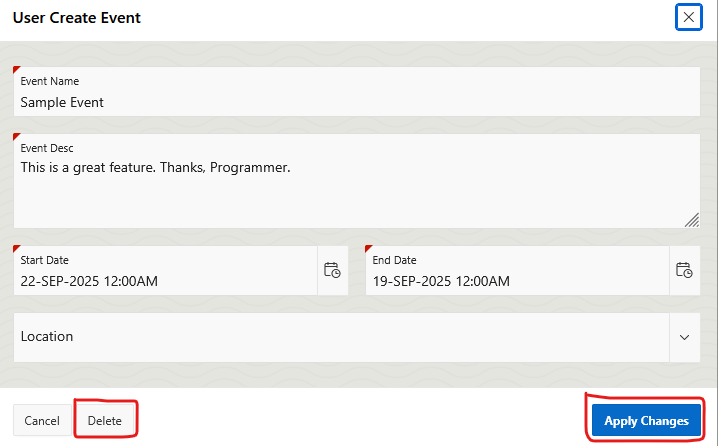
- Click the Edit icon to modify details or Delete event > click Apply Changes
Map
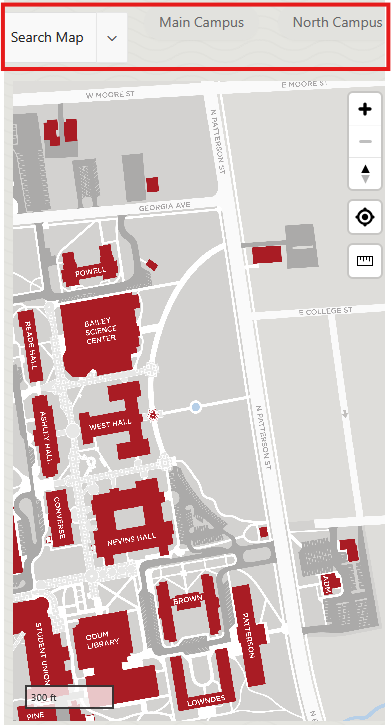
- Search popular on-campus and off-campus locations
- Quickly switch between Main Campus and North Campus Locations
- View events from the calendar pinned to their campus location
Tips
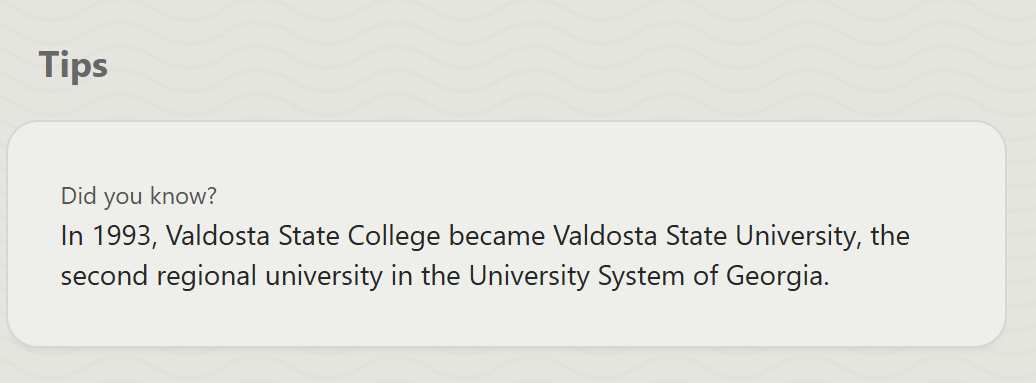
- Helpful reminders, fun facts, and advice
- A new tip appears each time you refresh the page, keeping things fresh and useful
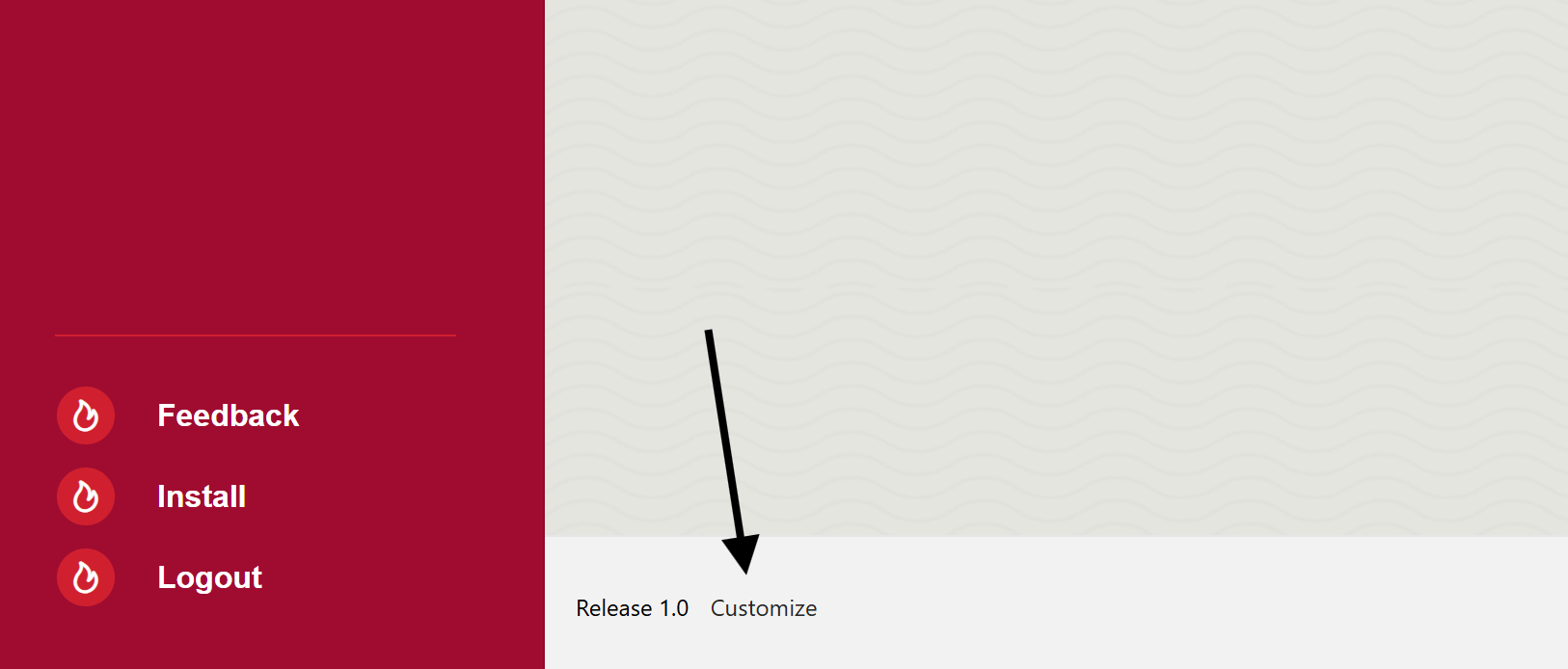
Customize
- Personalize your dashboard by selecting only the regions that you want displayed
- By default, all regions are displayed
Side Bar
- Useful Links- Quick access to common tools and resources
- Feedback- Share your ideas to help keep MyVSU current
- Install- Add MyVSU to your desktop or your mobile device
- Logout- Sign out when finished to keep your info secure
QuickLinks
One-click access to resources that you frequently use- View All Links-
- Search bar- Use keywords to find what you need
- Categories- Click checkboxes to filter
- Modify QuickLinks: Click topic checkboxes to add or remove items to your QuickLinks
- Topic Link- Click a topic title to go there; may open in a separate tab
Notifications
- Central hub for important pop-ups and alerts like deadlines or account status
- Prioritize information that is relevant to you
My Profile
- A snapshot of your day based on your role and selected term
- View today's schedule with times and locations
- Students: View grades, withdrawals, and past information
- Residential Students: View your housing/dorm details
Success Team
- Your personal support network, all in one place
- View a list of your advisors and click their name to reveal their contact information
- Schedule appointments with your advisors and the Academic Support Center
Search
- Search VSU's website within the MyVSU portal
- Results open in a new tab for easy tasking
Calendar
- Upcoming Events- View academic dates, deadlines, holidays, and campus events
- Create Event- Create your own reminders, like due dates or study sessions
- View Events-
- View a list of your created events
- Click the Edit icon to modify details or Delete event > click Apply Changes
Map
- Search popular on-campus and off-campus locations
- Quickly switch between Main Campus and North Campus Locations
- View events from the calendar pinned to their campus location
Tips
- Helpful reminders, fun facts, and advice
- A new tip appears each time you refresh the page, keeping things fresh and useful
Customize
- Personalize your dashboard by selecting only the regions that you want displayed
- By default, all regions are displayed
[]
[]